Design Guide
Canva Pro vs Free in Bangladesh: Is Pro Worth ৳149?
2026-10-30 · 10 min read · By POD Shop
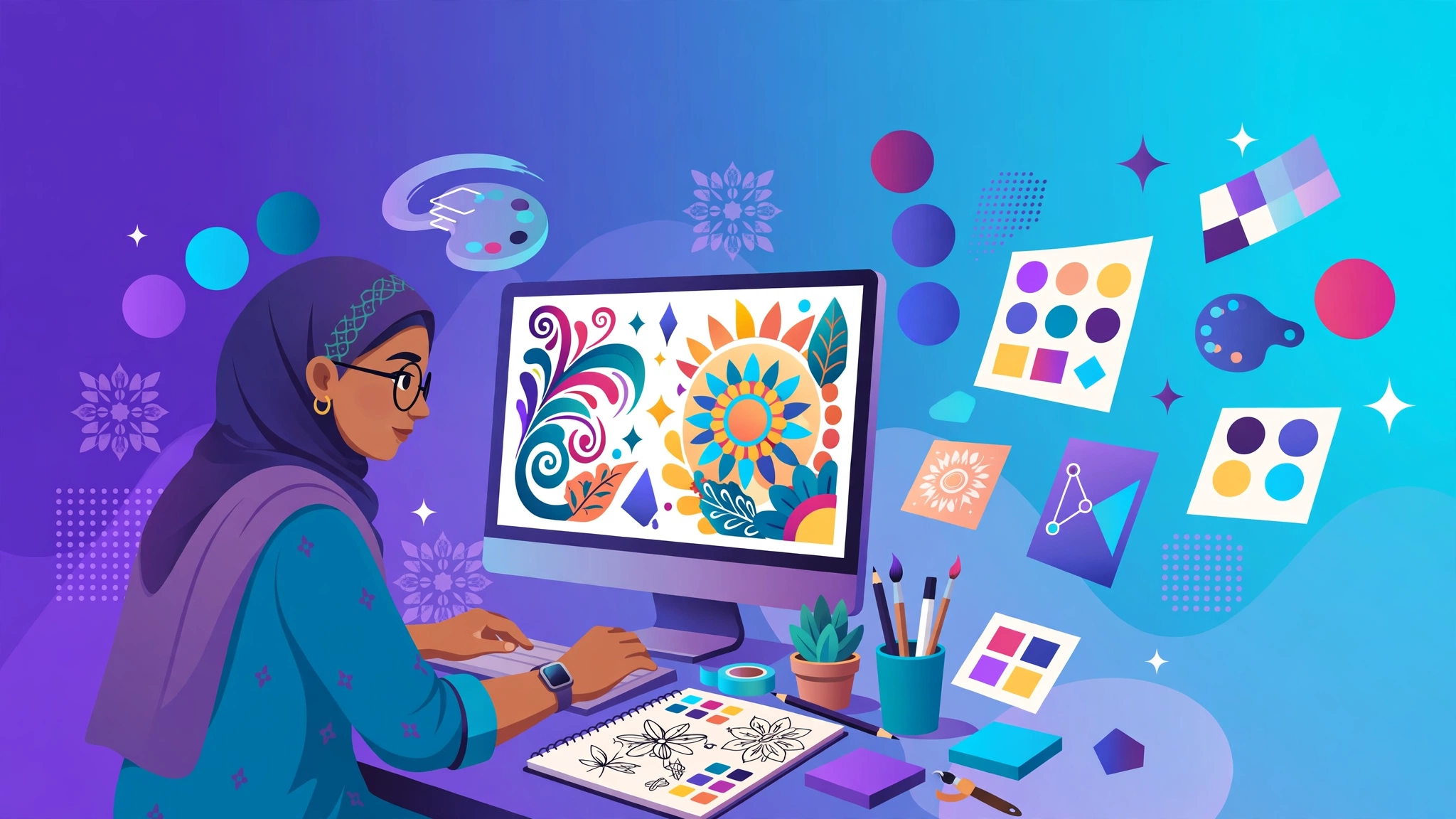
Quick Answer: Is Canva Pro Worth ৳149 in Bangladesh?
For anyone who designs regularly — freelancers, social media managers, small business owners — yes, emphatically. Canva Pro costs about $12.99 per month officially, but in Bangladesh you can get Canva Pro for 30 days for just ৳149 at POD Shop, paid with bKash, Nagad or Rocket and delivered by email. That is less than the price of a single plate of biryani for a month of premium templates, stock media, the Background Remover and the full AI toolkit.
Bottom line: If you design more than twice a week, Canva Pro at ৳149 pays for itself with the first client project. If you only make a birthday card twice a year, the free version is honestly enough.
What Is Canva Pro?
Canva is the Australian design platform that turned everyone into a part-time designer. Its drag-and-drop editor runs in a browser or phone app and is used in Bangladesh for everything from Facebook shop posts and YouTube thumbnails to CVs, wedding invitations and university presentations. The free version is genuinely generous — which is exactly why so many people hesitate before upgrading.
Canva Pro is the paid tier that removes the ceiling. It unlocks Canva's entire premium library — over 100 million stock photos, videos, graphics and audio tracks, plus hundreds of thousands of premium templates — along with professional tools like one-click Background Remover, Magic Resize, Brand Kit and a suite of AI features. The question is not whether Pro is better; it obviously is. The question is whether the difference matters for you, and that depends on how you use Canva.
What Canva Pro Actually Costs: Official vs Local Price
Officially, Canva Pro costs around $12.99 per month or $119.99 per year, and Canva only accepts international cards. From Bangladesh that means a dual-currency card endorsed against your passport, dollar conversion charges on every renewal, and a subscription that quietly keeps billing you in dollars even in months you barely design anything.
The local alternative is simpler: Canva Pro 30 Days at POD Shop costs ৳149, flat. Pay with the mobile banking you already have, get access delivered by email, and renew only in the months you actually need it — ideal for freelancers whose workload rises and falls.
| Option | Price | Payment Method | Things to Know |
|---|---|---|---|
| Canva official (direct) | ~$12.99/month or $119.99/year | International dual-currency card only | Passport endorsement; auto-renews in dollars every month |
| POD Shop | ৳149 for 30 days | bKash, Nagad, Rocket | Delivered by email; renew only when you need it |
| Random page/group sellers | ৳80–200 | Varies | Access often vanishes mid-month; no support if the workspace is removed |
One honest caution about the cheapest group sellers: Canva periodically cleans up abused workspaces, and when that happens mid-project, your files and deadline are both at risk. Buying from an established shop with local support costs a few taka more and saves the panic.
It also helps to think about when you buy. Because the local plan runs for a fixed 30 days, time your purchase to land just before your busiest design period — an Eid campaign, a shop launch, a semester project, a wedding season for invitation designers — rather than letting premium days idle away in a quiet month. Freelancers who plan this way often find that six well-timed months of Pro across a year beat a full year of the official subscription, at a small fraction of its dollar cost.
Canva Free vs Pro: The Full Feature Difference
- Stock library: Free gives a limited selection with many elements watermarked or locked; Pro unlocks 100M+ premium photos, videos, graphics and audio — all usable in your designs.
- Templates: Free includes a basic template set; Pro adds hundreds of thousands of premium templates for every niche, from restaurant menus to real-estate posts.
- Background Remover: Pro only. One click removes a photo's background — the single most-used Pro tool among product sellers.
- Magic Resize: Pro only. Turn one design into every size — Facebook post, story, banner, thumbnail — instantly.
- Brand Kit: Pro lets you save logos, brand colours and fonts so every design stays on-brand automatically.
- AI tools: Pro unlocks the full Magic Studio — text-to-image generation, Magic Edit, Magic Eraser, Magic Write and more, with far higher usage.
- Storage: 5 GB on Free versus 1 TB on Pro.
- Content Planner: Pro can schedule posts directly to social media from inside Canva.
- Version history and premium fonts: Longer history recovery and the full font library are Pro territory.
Notice the pattern: Free is a design toy box; Pro is a design business tool. Every Pro-only feature on that list exists to save time or win clients — which is why the upgrade decision is really a workload decision.
Who Should Actually Upgrade? (Use Cases)
Freelance Designers
If you sell designs on Fiverr, Upwork or Facebook, Pro is not optional equipment — it is your workshop. Background Remover alone saves 15–20 minutes per product photo compared with manual cutting. Premium templates let you deliver social media packages in an afternoon instead of two days, and clients can visibly tell Pro work apart from free-template work. At ৳149, a single ৳500 logo or banner job covers three months of Pro.
Small Businesses and Facebook Sellers
Bangladesh's online shops live and die by their product photos. Pro lets a seller shoot a product on a phone, remove the background in one click, drop it onto a premium template with their Brand Kit colours, and publish a professional post in ten minutes — no designer on salary. During Eid or Puja campaign seasons, Magic Resize turns one design into every format your page needs.
Students and Casual Users
Here is the honest other side: if you are a student making occasional presentations, posters for a club event or a CV once a semester, Free is probably enough. The free library covers basic needs well. Upgrade for the one month you are running a big event, building a portfolio or applying for internships — then drop back. Paying ৳149 only in the months you need it is exactly the flexibility the local route gives you.
Teachers and NGO workers sit in the same camp: presentation-heavy months deserve Pro, quiet months do not. Judge by your calendar, not by habit.
How to Buy Canva Pro in Bangladesh (Step by Step)
- Open the Canva Pro 30 Days product page on POD Shop.
- Add it to your cart and head to checkout.
- Enter your name, phone number and a correct email address — your Pro access is delivered by email.
- Pay with bKash, Nagad, Rocket or any other available method.
- For bKash/Nagad/Rocket payments, delivery follows a quick payment verification by our team.
- Follow the emailed instructions, open Canva, and confirm the Pro features are unlocked before you start designing.
The Freelancer ROI Math: One Small Job Pays for Months
Run the numbers the way a freelancer would. A basic social media post design sells for ৳300–500 in the local market; a product-photo edit with background removal goes for ৳100–300 per batch. Canva Pro costs ৳149 for the month. So your very first paid job of the month — even a small one — covers the subscription two or three times over. Everything after that is profit, and the time Pro saves (templates, one-click background removal, instant resizing) means you can take on more jobs in the same hours.
Compare that with the official route: $12.99 is roughly ৳1,590 before card fees — more than ten times the local price for the same month of features. For a Bangladeshi freelancer, the maths is not close. Pro is worth it; paying the official dollar price for it usually is not.
Canva Pro Tips: Work Faster Once You Upgrade
The first week with Pro, set up your Brand Kit properly — upload your logo, save your brand colours and fonts, and build three master templates: a product post, a sale announcement and a story. Every future design then starts 80% finished. Second, learn the keyboard habit of searching the premium library with filters — photos, vectors and videos marked with the crown are all yours now, so stop designing around the free-only leftovers you used to settle for.
Third, make Background Remover a production line: when a supplier sends a batch of product photos, process them all in one sitting and save the transparent PNGs in a folder. Fourth, use Magic Resize at the end of every project to export the full set — post, story, cover, thumbnail — while the design is fresh. Finally, try the AI tools on real work: Magic Write for caption drafts in your brand voice, and text-to-image for background scenes no stock library has. Freelancers who build these five habits typically cut their per-design time in half within a month.
What Happens When Your 30 Days End?
Nothing dramatic — and this is worth knowing before you buy. Your Canva account and all your designs stay exactly where they are; you simply return to the free tier's limits. Designs already exported remain yours to use. Some Pro elements inside older designs may show watermarks if you re-edit and re-export them on the free plan, so a smart habit is to export final versions of important projects before your month ends. Renewing is one more ৳149 order whenever the next busy period arrives.
Still designing with one hand tied? Unlock Canva Pro for just ৳149 at POD Shop, pay with bKash, Nagad or Rocket, and get your 30 days delivered by email. Explore more design, AI and productivity tools in our digital products collection.
Shop Featured Products
View all →


Frequently Asked Questions
How much does Canva Pro cost in Bangladesh?+
Canva Pro costs ৳149 for 30 days at POD Shop. Officially it is about $12.99 per month or $119.99 per year, payable only by international card — roughly ten times more once conversion charges are included.
What is the biggest difference between Canva Free and Pro?+
Pro unlocks the full premium library of 100M+ stock photos, videos and elements, hundreds of thousands of premium templates, Background Remover, Magic Resize, Brand Kit, the full AI Magic Studio and 1 TB storage — Free has limited versions of the library and none of those pro tools.
Can I pay for Canva Pro with bKash?+
Yes. POD Shop accepts bKash, Nagad and Rocket. For manual mobile payments, delivery follows a quick payment verification, and your 30 days of Canva Pro access are delivered by email.
Can I use Canva Pro designs for clients and commercial work?+
Yes — designs you create with Canva Pro content can be used for client work and commercial projects under Canva's content licence, which is why freelancers and Facebook sellers rely on it daily.
Is Canva Pro worth it for a student?+
Only in busy months. Students who design occasionally can stay on Free, and upgrade for a single ৳149 month when they have a big presentation, event or portfolio deadline — there is no need to pay for idle months.
How long does delivery take after ordering?+
Delivery is by email, usually within a short time after payment confirmation. For bKash, Nagad or Rocket payments, a quick verification comes first, then your access details follow.
Reference: Canva on Wikipedia