Guides
How to Get a Juul to Work: Fix Not Hitting & Charging
There is nothing more annoying than picking up your Juul, taking a draw, and getting nothing. No vapour, no light, or a green light blinking at you for no obvious reason. Before you decide the device is broken, work through the steps below in order. Most Juul problems are simple: the pod is not seated properly, the contacts are dirty, the battery is flat, or the pod is finished. This guide covers both the Juul 1 and the Juul 2. Nothing here asks you to open the device, modify it, or refill a pod. Juul pods are sealed and are not refillable.
First, work out which Juul you have
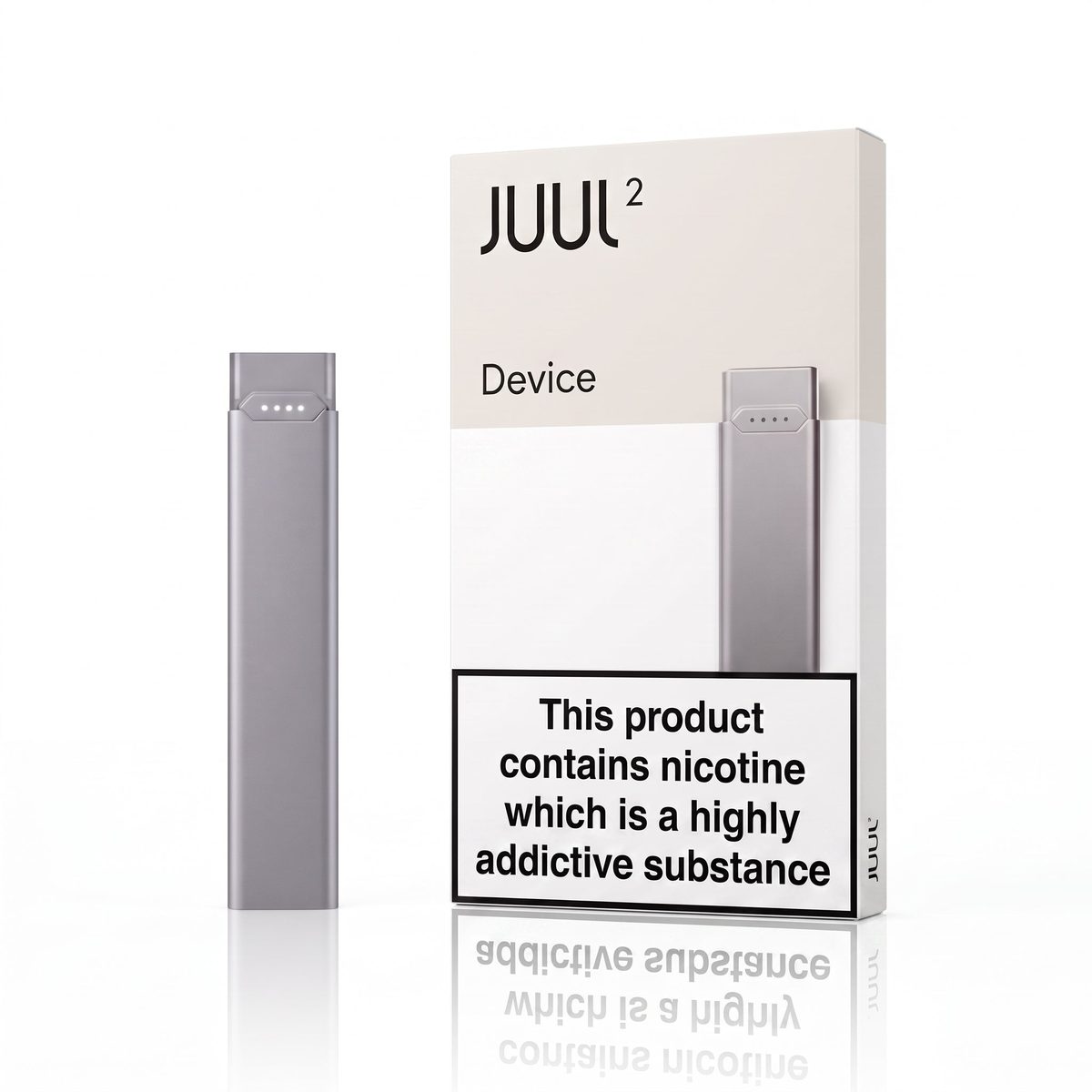
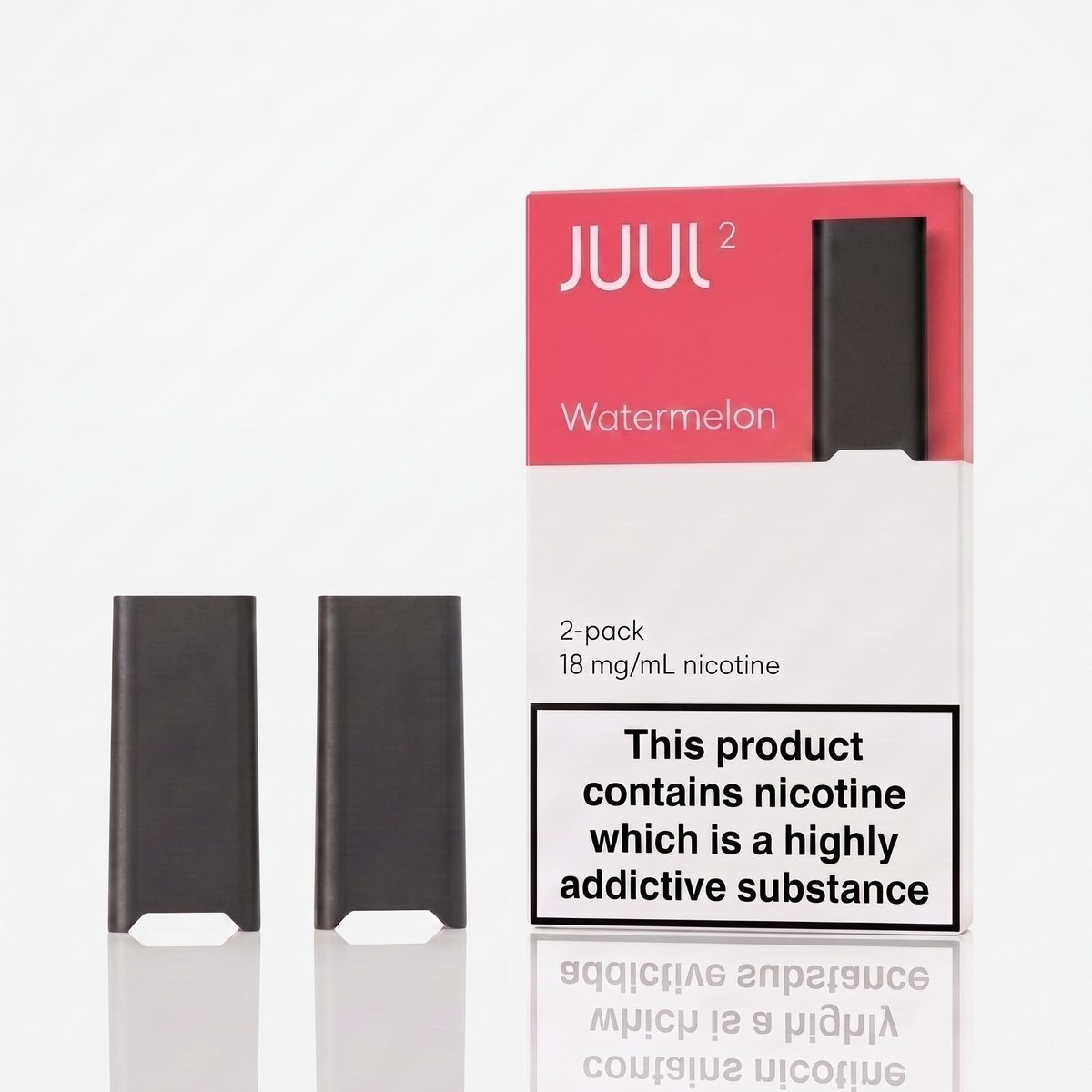
Juul 1 and Juul 2 look similar at a glance, but their pods and chargers are different, and they do not swap. The Juul 1 is the slim, flat device with a magnetic charging dock. It charges on the JUUL 1 Magnetic USB Charging Dock, which is a small magnetic cradle that clips onto the bottom of the device. The Juul 2 is slightly larger and rounder, and it charges on a magnetic USB charging dock. Juul 1 pods come in 4-piece packs for AED 90 and 6-piece packs for AED 120, in 3% (30mg) and 5% (50mg), while Juul 2 pods come in 2-piece packs for AED 60 at 18mg. If you are not sure which one you own, check the pod: a Juul 2 pod will not fit a Juul 1 device, and a Juul 1 pod will not fit a Juul 2. If your pod slides in loosely or will not click into place, you probably have the wrong generation of pod for your device. Our Juul vs Juul 2 guide explains the differences in detail, and our pod compatibility guide lists which pods fit which device.
Step 1: Reseat the pod
This fixes more Juuls than anything else. Pull the pod out and slide it back in until it clicks firmly into place. A pod that is only halfway in will not make proper contact, and the device will either do nothing or blink at you. Then take a slow, steady draw. If the pod is old, its seal can wear and it may sit loose, so try a fresh pod. A fresh pod that seats properly and still gives nothing points to the device or the battery. Also check that you have not left the small coloured cap on a new pod. New pods ship with a cap over the mouthpiece, and the device will not draw properly with it on. It sounds obvious, but it is one of the most common reasons a brand-new pod seems dead.
Step 2: Clean the contacts
The metal contacts at the bottom of the pod and inside the top of the device pick up condensation, dust, and a thin film of liquid over time. When the contacts are dirty, the device cannot read the pod, and you get weak hits, no hits, or a blinking light. Take the pod out and wipe the two small gold contacts on its base with a dry cotton bud or tissue. Then wipe the contacts inside the top of the device the same way. Do not use water, and do not use anything sharp or metal to scrape them. A dry wipe is enough. If you can see liquid in the bottom of the device, wipe it out and check the pod for leaking. A leaking pod will keep causing the same problem until you replace it. Let everything dry, reseat the pod, and try again.
Step 3: Charge it properly
A Juul that will not hit is often simply a Juul with a flat battery. Put it on the charger and give it time. For the Juul 1, place the device on the magnetic USB charging dock and check the magnet holds it and the light comes on. If it does not, the dock may not be plugged in properly or may be worn out. The JUUL 1 Magnetic USB Charging Dock is AED 25, so replacing a tired dock is cheap. For the Juul 2, use the magnetic USB charging dock that came with the starter kit. A full charge takes roughly an hour. If the device has sat unused for weeks, the battery may be deeply flat, so leave it on the charger for ten minutes before deciding it is dead.
Step 4: Try a fresh pod
A Juul pod holds roughly 200 puffs, which is a manufacturer estimate. When the liquid is gone, the draw gets weaker until there is nothing left. If your pod has been in use for several days, or the flavour has faded and the draw feels thin, the pod is probably finished, so swap in a fresh one. If a new pod does not work, check the cap, then try a second pod. One faulty pod happens occasionally, but two in a row means the device or the contacts are the issue. When you buy pods, keep a spare pack at home so a dead pod never leaves you stuck. Juul 2 pods are AED 60 for a 2-piece pack, and Juul 1 pods are AED 90 for a 4-piece pack or AED 120 for a 6-piece pack.
The blinking green light and the green light of death
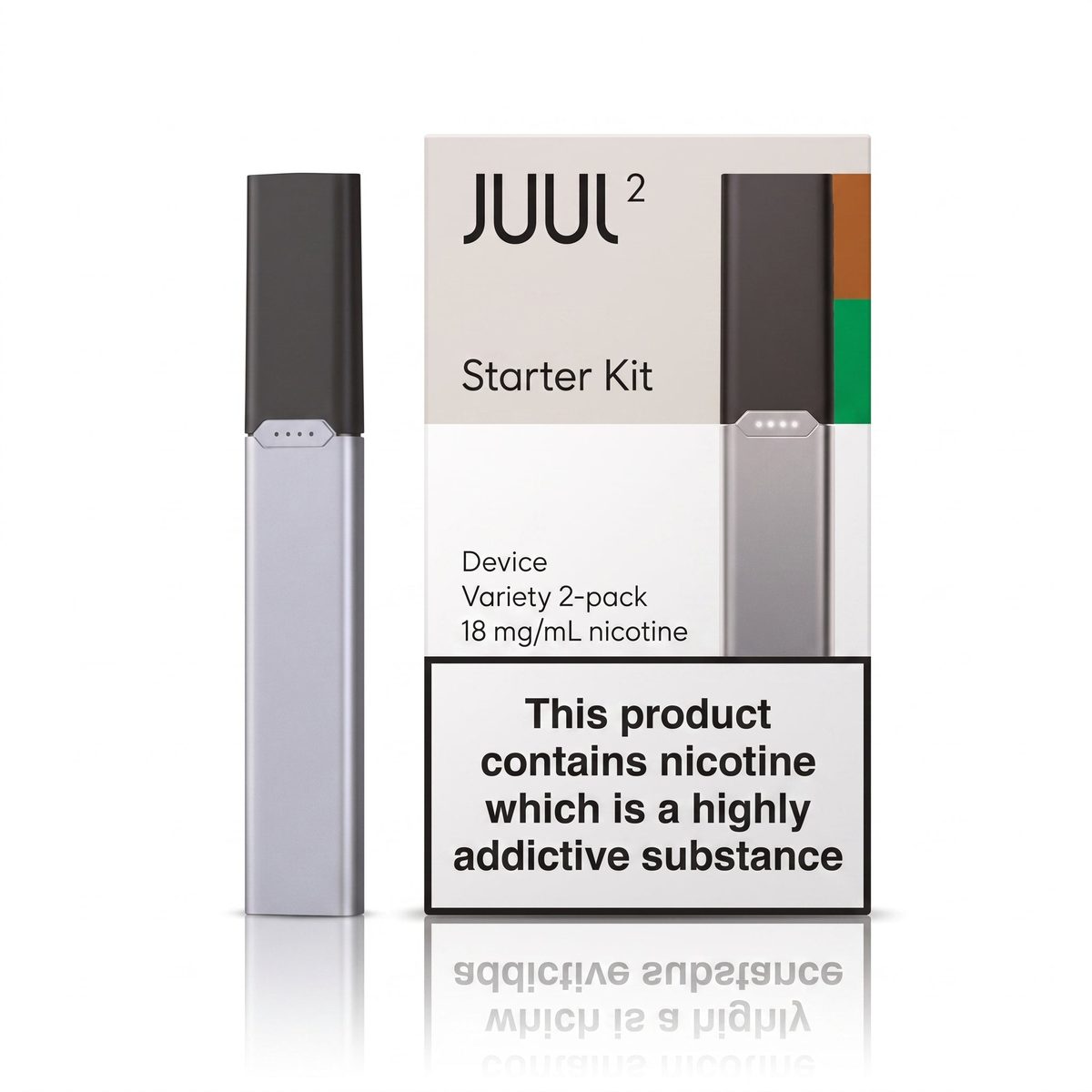
The green light is the most searched Juul problem of all, and it has a few different causes. A Juul blinks green while it is charging, and that is normal. A Juul that blinks green when you try to take a draw usually means the pod is not seated properly or the contacts are dirty, so go back to steps 1 and 2. The green light of death usually means a Juul that shows a green light but produces no vapour, or a light that stays on and will not turn off. In most cases this is still a contact or pod problem, so clean the contacts, reseat a fresh pod, and charge the device fully. If the light stays on after charging and the device still will not hit with a fresh pod, the battery may have reached the end of its life. Pod devices are not designed to be repaired, so at that point the honest answer is a replacement device. The Juul devices guide explains the Juul 2 starter kit at AED 110, which is the way most people replace a worn-out device, since it includes the device, a charging dock and two pods to start with.
Pod leaking
A little condensation around the pod is normal, but liquid pooling in the device or on your hands is not. A leaking pod should be replaced, not patched. Take it out, wipe the device dry, and put in a fresh pod. Store spare pods upright, at room temperature, and out of direct sunlight. If a new pod leaks straight out of the pack, do not try to fix it. Set it aside and use another pod. Never try to refill a leaking pod. Juul pods are sealed units and are not designed to be opened or refilled.
Brand-new Juul not working out of the box
A brand-new device that will not work is usually one of three things: a flat battery from sitting in storage, so charge it for a full hour first; the pod cap still on; or the pod not seated fully, so push it in until it clicks. If none of that works, try a second pod. If a second pod also fails, the device itself may be faulty. Keep the box and the receipt, and contact the shop you bought it from.
What not to do
Do not open the device, poke anything into the charging port or the pod slot, try to refill a pod, or clean a pod under water. Do not charge with a damaged cable or leave it charging overnight on a fast charger. None of these fix a Juul, and all of them can damage it. The safe fixes are the four steps in this guide: reseat the pod, clean the contacts, charge it properly, and try a fresh pod. If those do not bring it back, the device or the pod needs replacing.
Getting replacements in Dubai
If the fix turns out to be a fresh pod or a new dock, POD Shop delivers Juul pods, devices, and the magnetic charging dock across Dubai and the whole UAE. Juul 2 pods are AED 60 for a 2-piece pack, Juul 1 pods are AED 90 for a 4-piece pack and AED 120 for a 6-piece pack, the Juul 2 starter kit is AED 110, and the charging dock is AED 25. Delivery is a flat AED 30, free over AED 300, with a minimum order of AED 85, and you can pay cash on delivery. Browse the full Juul range to find your flavour.
Frequently asked questions
Why is my Juul not hitting?
A pod that is not seated properly, dirty contacts, a flat battery, or a finished pod. Reseat the pod until it clicks, wipe the contacts dry, charge the device fully, and try a fresh pod.
Why is my Juul blinking green?
Blinking green while charging is normal. Blinking green when you draw usually means the pod is not seated properly or the contacts are dirty, so clean the contacts and reseat the pod. If the light stays on and the device will not hit with a fresh pod, the battery may be at the end of its life.
Why is my Juul not charging?
Check that the dock or cable is plugged in properly and the light comes on. For the Juul 1, the magnetic dock must hold the device firmly in place. For the Juul 2, use the magnetic USB charging dock supplied with the starter kit. If the device has been unused for weeks, leave it on the charger for ten minutes, since a deeply flat battery can take a while to respond.
Can I refill a Juul pod?
No. Juul pods are sealed and are not refillable, so do not try to open or refill them. When a pod is empty or leaking, replace it with a fresh sealed pod.
How long does a Juul pod last?
Roughly 200 puffs, which is a manufacturer estimate, so it depends on how often you draw on it. When the flavour fades and the draw weakens, the pod is near the end of its life.
What is the green light of death on a Juul?
It is the name people give to a Juul that shows a green light but produces no vapour, or a light that will not turn off. It is usually a contact or pod problem, so clean the contacts, reseat a fresh pod, and charge the device fully. If that does not fix it, the battery has likely reached the end of its life and the device needs replacing.
Why is my Juul pod leaking?
Leaking is usually caused by heat, pressure in a tight pocket, or a very old pod. Store pods upright at room temperature. Replace a leaking pod with a fresh sealed pod and wipe the device dry first.