Guides
Juul USB Charging Dock & Charger Guide
Juul devices do not have a screen, a button or a battery indicator you can read. The only thing that tells you what is happening is a small light, and the only thing that charges the device is the right charger for your system. Get either wrong and the most common result is a device that blinks green and never seems to charge. This guide covers both charging systems POD Shop sells: the magnetic USB charging dock for Juul 1 and the magnetic USB charging dock for Juul 2, what the light means, what to check when charging fails, and how to tell when the device is ready. No charge times or battery capacities are stated here, because POD Shop does not list them.
Two systems, two chargers
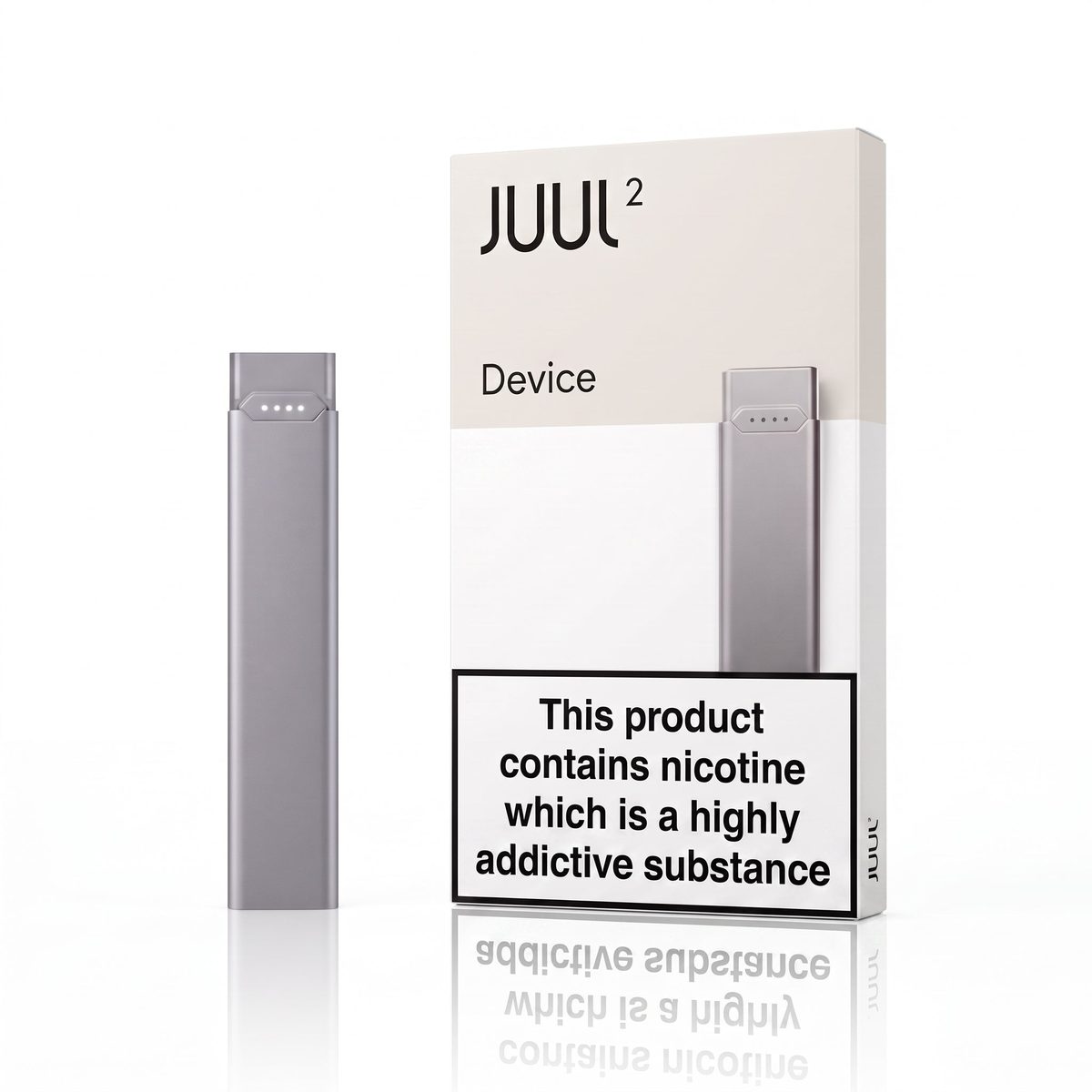
The first thing to get right is which Juul you own, because Juul 1 and Juul 2 charge in completely different ways. Juul 1 charges on a magnetic dock: the device clicks onto the dock and the dock plugs into a USB port. Juul 2 charges on its own magnetic USB charging dock instead. A Juul 1 dock will not charge a Juul 2 device, and a Juul 2 dock will not charge a Juul 1 device. If you are not sure which system you have, our Juul vs Juul 2 guide explains the visible differences, and our pod compatibility guide covers which accessories belong to which system.
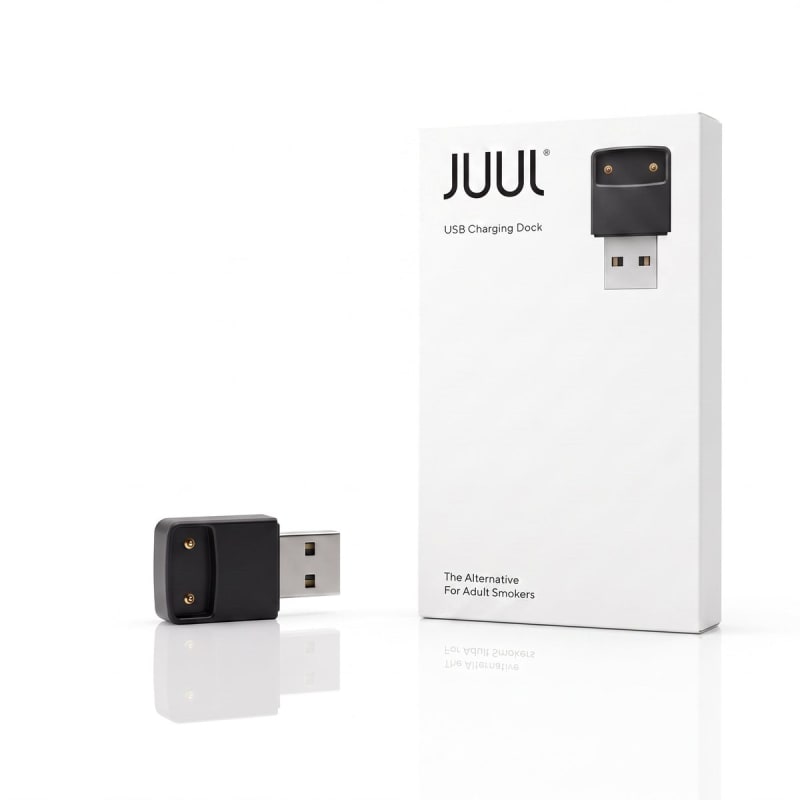
The JUUL 1 Magnetic USB Charging Dock: AED 25
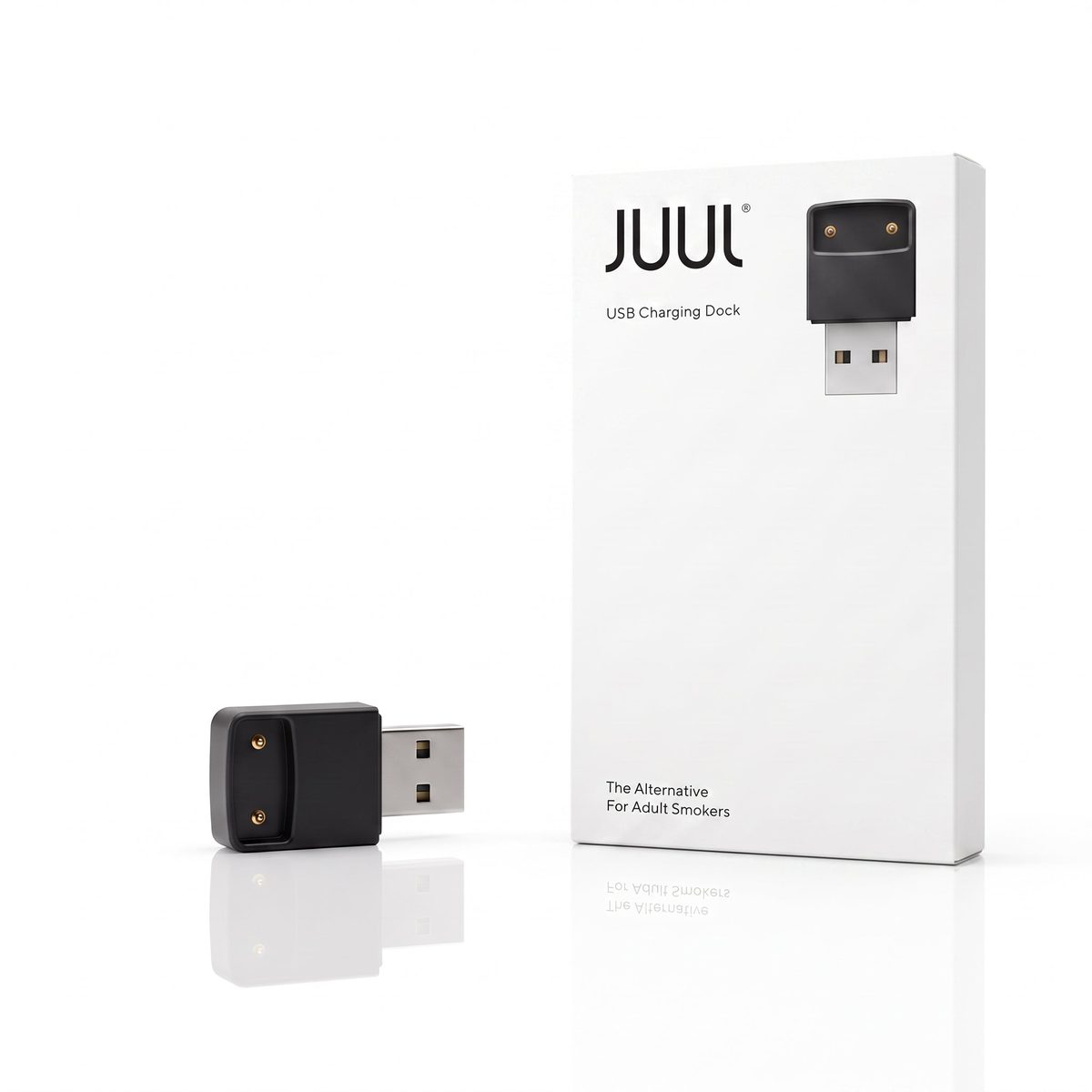
The JUUL 1 Magnetic USB Charging Dock is AED 25 on POD Shop, and it is the charger for every Juul 1 device. Magnets in the dock hold the device in place, and the charging contacts line up on their own when the device sits in the dock. The dock plugs into any standard USB port, so a laptop, a USB wall adapter or a power bank will all do. There is nothing to switch on and nothing to set up: place the device in the dock, plug the dock into a USB port, and the device's light shows that charging has started.
The dock is also the part most likely to fail first, which is worth knowing before you blame the device. Its contacts pick up pocket lint, dust and e-liquid residue over time, and a dirty contact is the most common reason a Juul 1 stops charging. At AED 25 the dock is a small, inexpensive part, so replacing it is a much cheaper fix than replacing the device. Keep a spare dock if you rely on your Juul 1 every day, because a lost or broken dock means a device you cannot charge at all.
Charging a Juul 2 on its magnetic dock
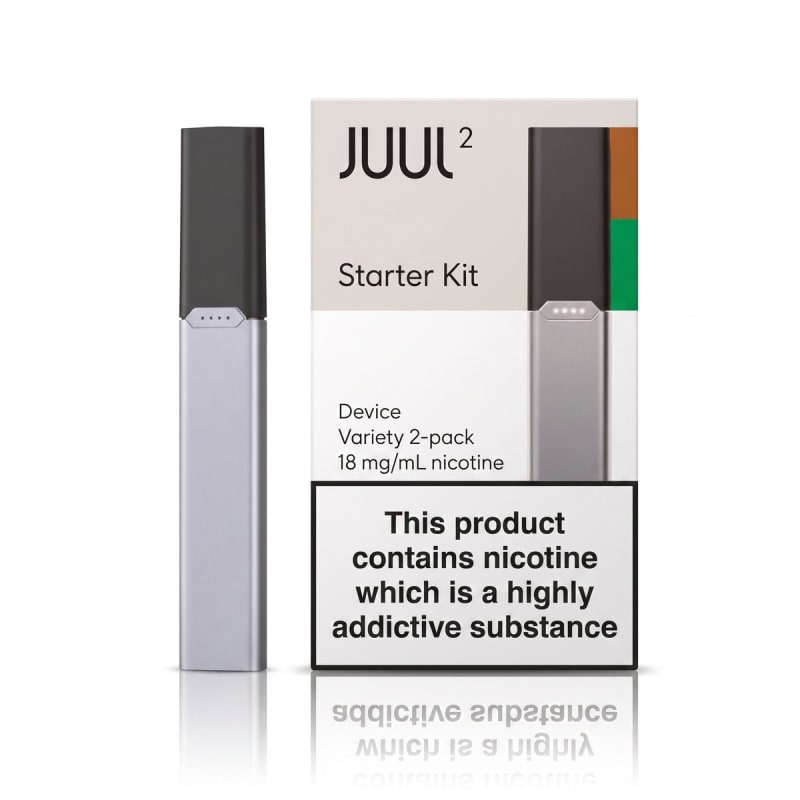
Juul 2 charges on its own magnetic USB charging dock, which comes with the starter kit. The device sits in the dock, and the dock plugs into any standard USB port. If you are buying into Juul 2 for the first time, the Juul 2 Starter Kit at AED 110 includes the device, a magnetic USB charging dock and two pods (Virginia Tobacco and Crisp Menthol). The advice is the same as for Juul 1: use a cable and port that work, keep the port free of lint and moisture, and check the light to see whether charging has started. A cable that charges your phone will normally charge a Juul 2 as well, but if charging does not start, swap the cable before assuming the device is faulty. Our Juul devices guide covers the two devices side by side.
What the lights mean
The LED on a Juul device is its only display. While the device is charging, the light comes on to show that power is flowing; when charging is finished, the light behaviour changes and the device is ready to use. The exact light behaviour for your device is described on its product page, and that is the description to follow, because the two systems do not behave identically.
The light to watch out for is blinking green. A Juul that keeps blinking green while it sits on the dock or on the cable is not charging properly: it is the device's way of saying the connection is not right. It is the most searched-for Juul charging problem for a reason, and it usually has a simple cause. In most cases it means the contacts are dirty, the device is not seated properly, or the port or cable is not delivering power. The next section goes through those checks in order.
Blinking green or not charging: what to check first
Work through these checks one at a time; most charging problems are fixed by the first two.
- Clean the contacts. Look at the metal charging contacts on the bottom of the device and inside the dock. Wipe them gently with a dry, lint-free cloth; do not use water, and do not poke at them with anything sharp. Pocket lint and dried e-liquid are the usual culprits, and a clean contact often fixes the problem immediately.
- Re-seat the device. Place the Juul 1 device back in the magnetic dock and make sure it clicks into place and sits flat. For Juul 2, seat the device fully in the magnetic dock until it clicks into place. A device slightly off-centre in the dock, or a cable only half in, will blink green instead of charging.
- Try another USB port. Move the dock or cable to a different USB port, ideally on a different power source: if you were using a laptop, try a wall adapter, and vice versa. A port that has stopped delivering power will make a healthy device look dead.
- Try another cable. For Juul 2, try another USB cable for the dock, one you know works with another device. Cables fail quietly, and a cable that looks fine can still be the problem. For Juul 1, the cable is part of the dock, so try a different dock if you have one.
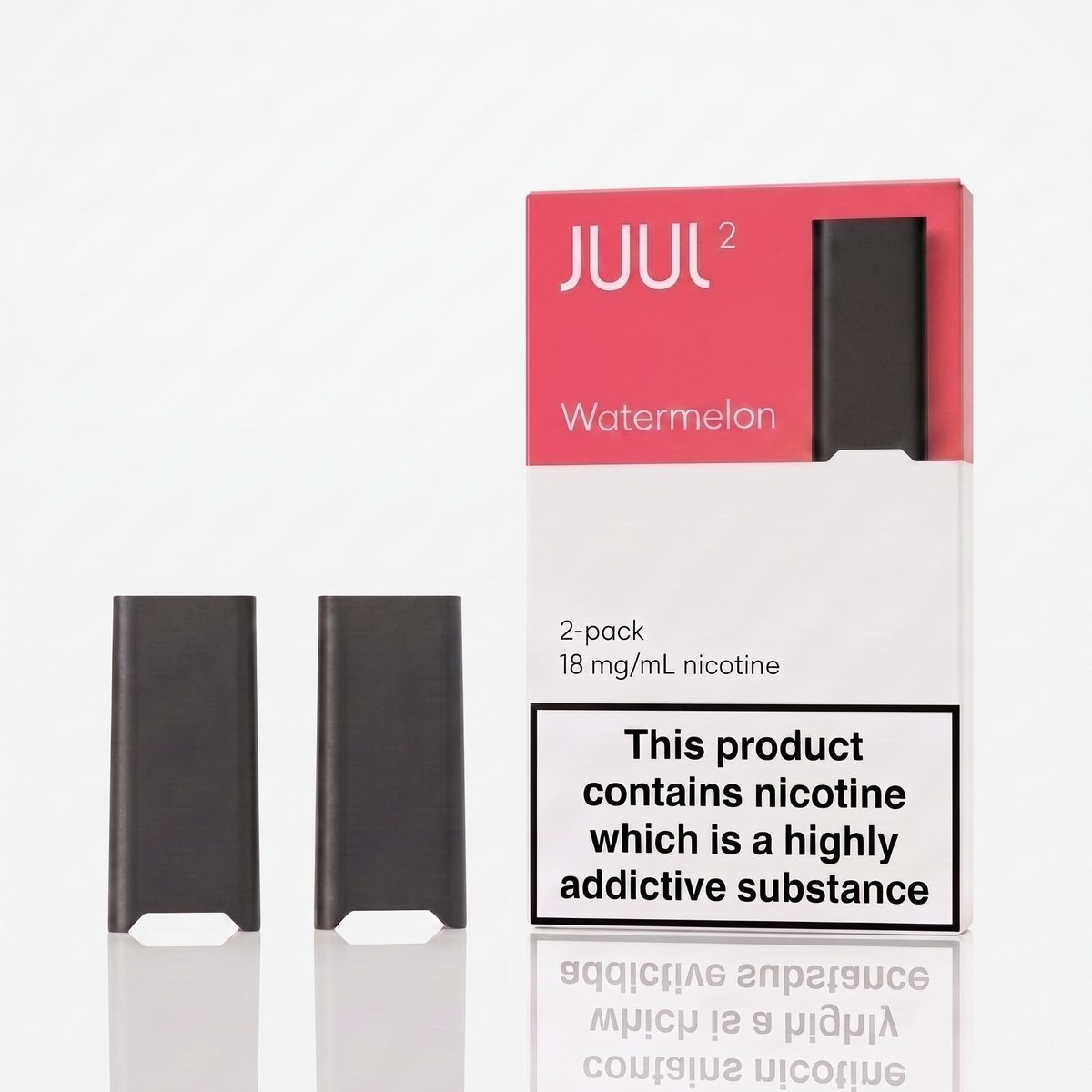
- Check the pod. Take the pod out and put it back in, making sure it clicks into place. A pod that is not seated properly can stop the device from working even when the battery is fine, and that is easy to mistake for a charging problem.
- Replace the dock. If the device charges on another dock but not on yours, the dock is the fault, and at AED 25 the magnetic USB charging dock is the cheapest part to replace. If it charges nowhere, the device itself is the problem.
One more thing: a device left unused for a long time can take a few minutes on the charger before the light comes on, so wait a few minutes before deciding it is dead. And never try to open the device or the dock. There is nothing user-serviceable inside, and opening it will not fix a charging problem.
How to tell the device is fully charged
There is no percentage display on a Juul, so the light is the only signal. While the device is charging, the light shows that charging is in progress, and when the light stops showing a charging state, the device is ready to use. The product page for your device describes the exact light behaviour to look for, so follow that rather than timing the charge: POD Shop does not list a charge time, and this guide does not state one. Charge the device until the light shows it is done, then take it off the charger. Leaving it on for hours after it is done will not make it last longer, and the practical habit is to charge it when the light first tells you the battery is low rather than waiting until it stops working mid-day.
Looking after your charger and dock
A little care goes a long way with a charger this small. Keep the dock and the charging contacts dry, and wipe the contacts clean whenever you notice a build-up. Do not wrap the dock cable tightly around the dock or bend it sharply where it meets the plug, because that is where cables fail. Store the dock somewhere it will not collect lint, such as a small pouch or a drawer rather than loose in a pocket with keys. If you travel, the dock is small enough to carry, and it plugs into any USB port, so you need no special adapter in the UAE. For Juul 2, the same advice applies to the dock's USB cable: keep it dry, do not yank it out by the cord, and replace it at the first sign of fraying.
Ordering a dock or starter kit in the UAE
The JUUL 1 Magnetic USB Charging Dock is AED 25, the Juul 2 Starter Kit is AED 110. POD Shop delivers anywhere in the UAE at a flat AED 30 delivery fee, with free delivery on orders over AED 300 and a minimum order of AED 85. Cash on delivery is the working payment method. A single dock at AED 25 sits below the AED 85 minimum order on its own, so add a pack of pods or another item to reach the minimum. Browse everything Juul on the Juul category page, and if you are new to the system, the Juul beginner guide covers the first purchase from start to finish.
Frequently asked questions
How do I charge a Juul 1?
With the JUUL 1 Magnetic USB Charging Dock, AED 25 on POD Shop. The device clicks into the dock and the dock plugs into any standard USB port.
How do I charge a Juul 2?
Juul 2 charges on its magnetic USB charging dock. Seat the device in the dock and plug the dock into any standard USB port.
Why is my Juul blinking green?
Blinking green means charging is not completing properly. The usual causes are dirty charging contacts, a device not seated properly in the dock, or a USB port or cable not delivering power. Clean the contacts with a dry cloth, re-seat the device, and try another port.
Why is my Juul not charging at all?
Work through the checks in order: clean the contacts, re-seat the device, try another USB port, try another cable, and check the pod is seated properly. If the device charges on another dock but not yours, replace the dock; if it charges nowhere, the device itself is the problem.
Can I use any USB port to charge my Juul?
Yes. The Juul 1 dock plugs into any standard USB port, and the Juul 2 dock plugs into any standard USB port too. A laptop, a USB wall adapter or a power bank will all work.
How long does it take to charge a Juul?
POD Shop does not list a charge time for the dock or the device, so this guide does not state one. Charge the device until the light shows it is ready, then take it off the charger.
How much is the charging dock and how much is delivery?
The dock is AED 25. Delivery is a flat AED 30 anywhere in the UAE, free on orders over AED 300, with a minimum order of AED 85. A single dock on its own is below the minimum, so add pods or another item.